Bicep Visualizer
I wrote a series of articles to introduce Bicep language fundamentals. I really enjoyed working on these articles and learnt quite a lot in that process.
The Bicep team released version 0.3.539 of Bicep command line as well as the VS Code extension a few hours ago and it came with a lot of goodness – bug fixes as well as new shiny things! One of the first things that caught my eye was the Bicep visualizer.
If you are looking for a way to upgrade your local version of Bicep command line, you can run the installBicep.ps1 script from my bicephelpers GitHub repo. The VS Code extension should auto-update.
Once you have both these updates in place, you can open a Bicep program in VS Code editor and hit CTRL+SHIFT+P to bring up the Bicep visualizer. Here is how it looks. I chose the nested VMs Bicep template for this.
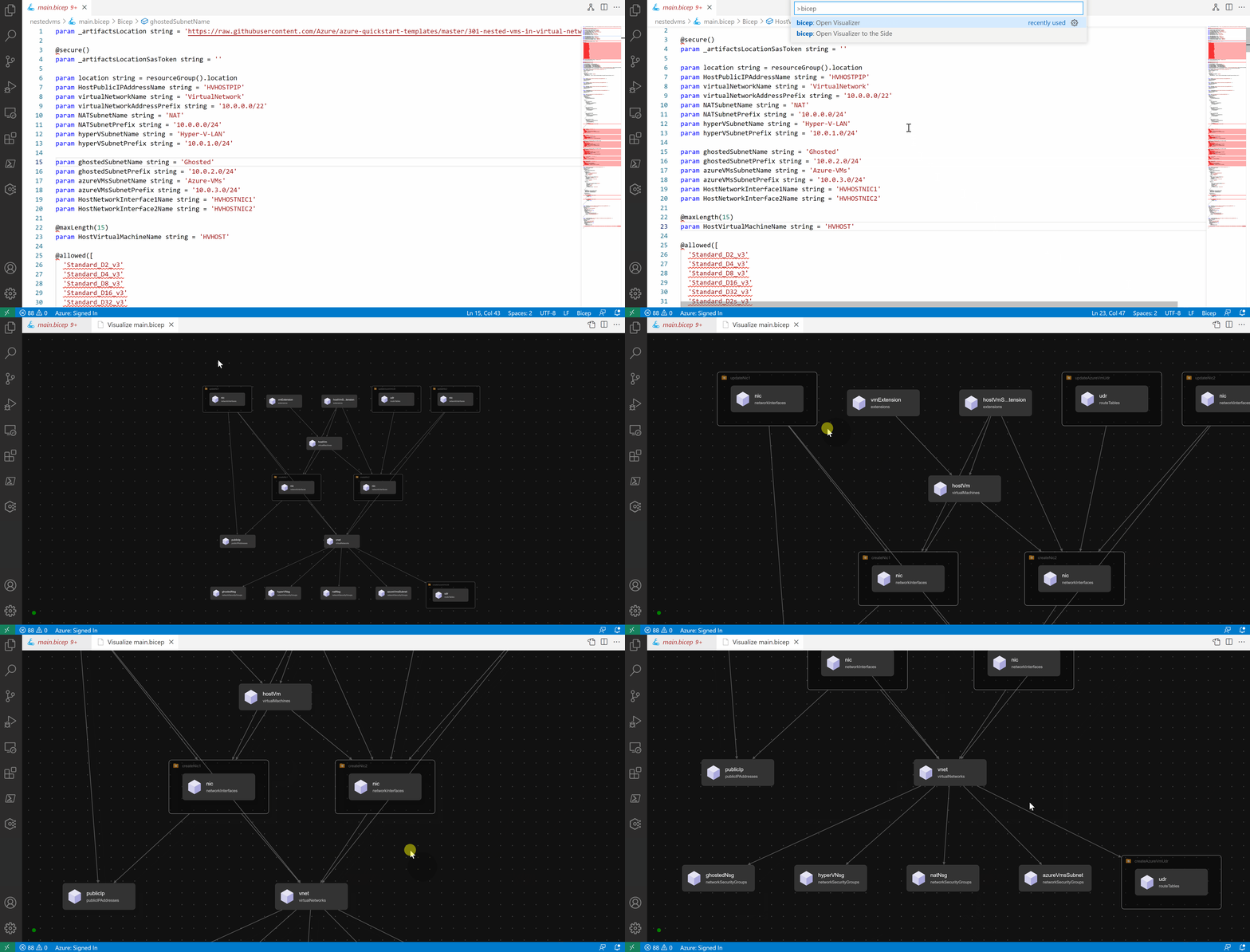
Instead of opening a new editor window for the visualization, you can choose to open it to the side of the existing editor window.
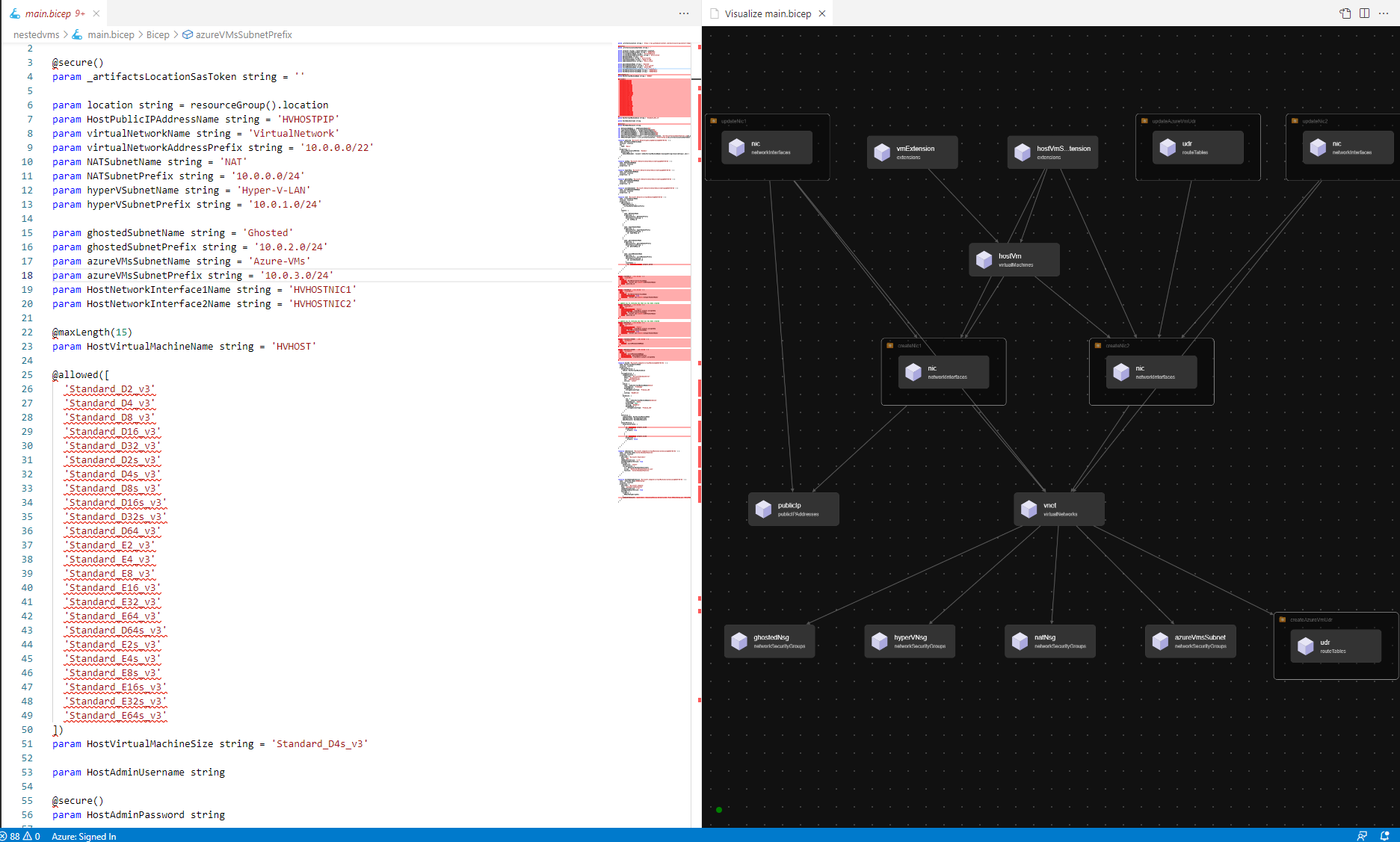
This is a good start. Here is what on my wish list for this.
- Add support for exporting the generated visualization to a PNG or other format.
- Navigating to a location in the Bicep program or resource definition when I click on a resource in the visualization
- Resources represented with the actual Azure icons
What is your wish list?
Comments
Comments Require Consent
The comment system (Giscus) uses GitHub and may set authentication cookies. Enable comments to join the discussion.